Home :

CompuSat Satellite Database
|

|
This page provides links for downloading, installing and using CompuSat satellite databases on your system. Downloading the Latest CompuSat Satellite Database Image Communications regularly releases updated satellite databases that contain the latest satellite information. You can always visit this page to retrieve the latest version of our factory database.
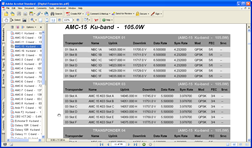
DownloadING Channel Listing References You can download PDFs of all the channel listings for the database:
Installing a New Satellite database on your CompuSat system Click here to view instructions for installing a new factory database on your CompuSat system. One very important thing to remember when installing:
Viewing the Satellite History Chart CompuSat maintains a satellite history chart that you can use to see which satellites have changed names and/or orbital position, and when the change occured.
|
| Contact Us | Copyright © 1991-2008 Image Communications, LLC | Image Communications, LLC |